Bring your car
Use a sharp photo with the full car and wheels in view. Leave a little space around it; skip people, cropped bumpers and busy group shots.
 NEON Dance AI.
YOUR CAR. AN IMPOSSIBLE ENCORE.
Take the ramp. Stick the landing.
Turn one car photo into a fictional ramp stunt: climb a curved ramp, turn through the air, fire the thrusters and land in smoke. Watch the real sample, then bring your own car.
Try your car photoCheck the generator’s current availability before submitting. Buying credits does not start a video automatically.Generated from the AI-created car photo below. 480p tier · 496×864 · about 12 seconds. Reference audio added afterwards, fading out near 10 seconds; the ending is silent. Smoke, framing and wheel contact can vary.
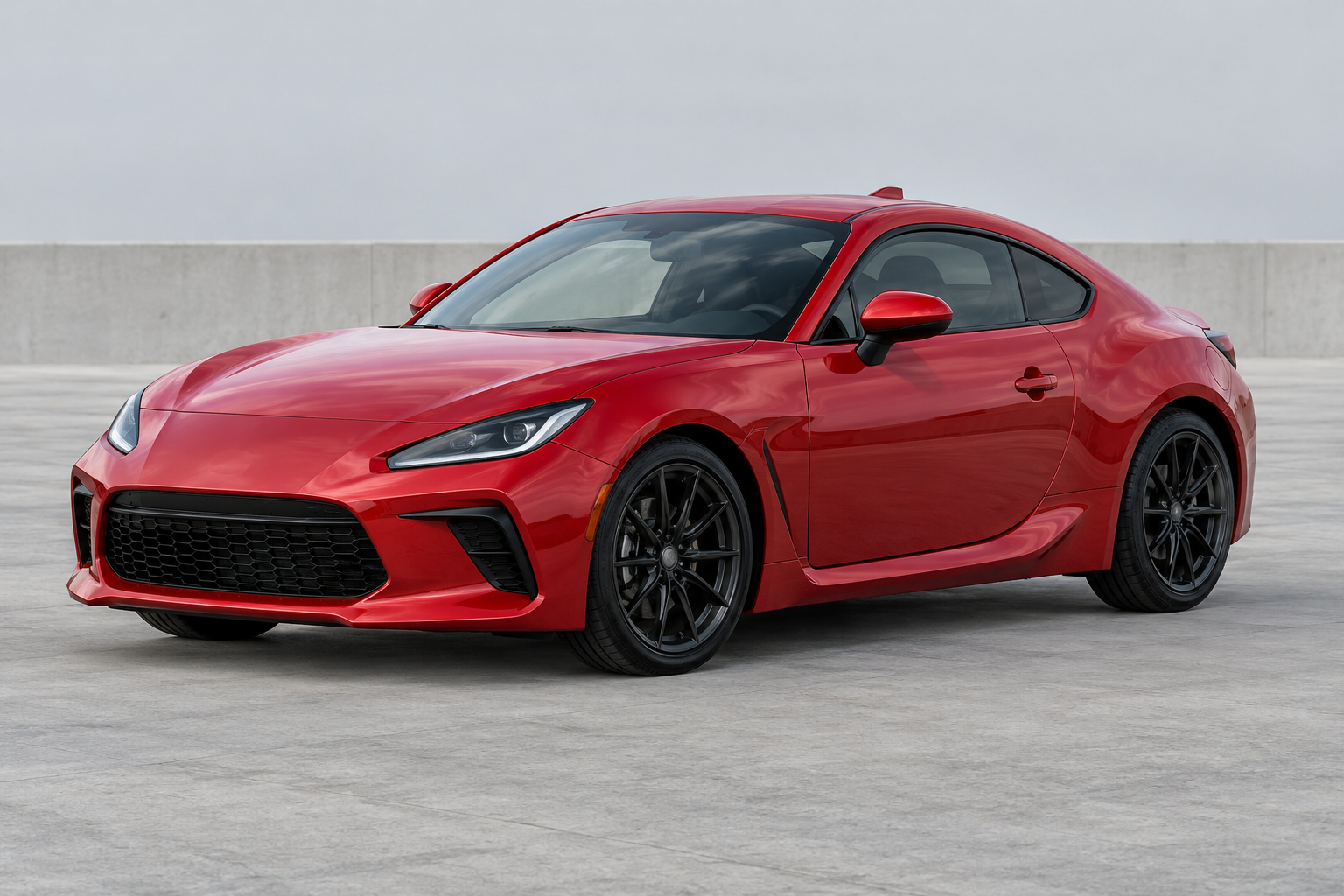 Input photo · AI-created fictional car
PHOTO → RAMP → FLIP → LAND
Upload a car, not a portrait. The ramp and motion come from a controlled template. We aim to keep the body, paint and wheels consistent through the full sequence.
JPG, PNG or WebP. Photos up to 40 MB are prepared on this device before upload. HEIC works when your browser can open it; otherwise export as JPEG.
480p MP4 · 9:16 · Reference soundtrack included
12 seconds · Vertical 480p MP4 · Private download for 7 days
See the input photos alongside each NEON duo dance.
THE RIGHT START
A clear silhouette gives the model a better starting point. These are photo-framing illustrations, not accepted inputs or generated results.
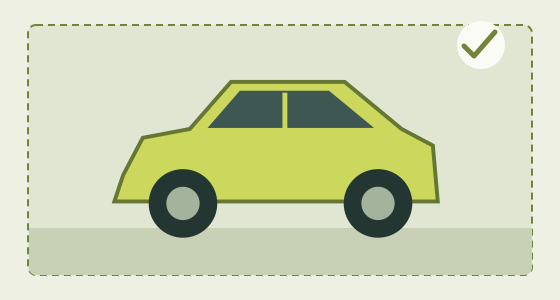
Keep the roof, bumpers and wheels inside the frame. Use clear daylight and a side or three-quarter view, with one car and a simple background.
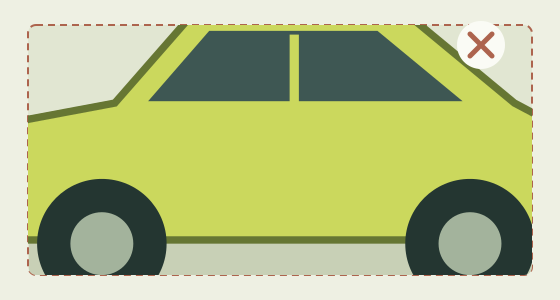
Cut-off wheels, dark paint hidden in shadow, people in front of the body and several competing vehicles make the car harder to reconstruct.
THE RUN-UP
Use a sharp photo with the full car and wheels in view. Leave a little space around it; skip people, cropped bumpers and busy group shots.
One fixed ramp-flip routine. No prompt writing, car preset or second person photo. Check availability and the credit quote before submitting.
Return to My videos to check progress. Review the complete flip and landing, then download the MP4 while it is available.
100 NEON credits for one 12-second 480p video, including the reference soundtrack. The wallet, top-up packs and video history are shared with NEON Dance and Ozil Goal.
Check the generator’s current availability before submitting. Buying credits does not start a video automatically.PIT STOP
A photo-to-video effect that puts your car through a curved-ramp climb, an airborne flip, a thruster burst and a smoky landing. This is a fictional AI stunt, not a demonstration of the car’s real capabilities.
No. Use a photo of your own car, or one you have permission to transform. Roadster Ramp describes the fictional stunt style; this is not an official Tesla tool and does not guarantee exact badges or manufacturer details.
A model reconstructs the car as its angle changes. Fast rotations, hidden wheels and smoke can introduce geometry or color errors. A full-car photo and simple lighting help, but neither guarantees a clean flip or stable landing.
Start with one clearly visible car. The first version focuses on cars; food, pets, people, multiple vehicles and custom scenes are outside this template. Exact badges, small text and manufacturer details are not guaranteed.
No. Roadster Ramp uses one car photo for a ramp climb, flip and landing. A person walking to a car, getting in and flying away is a separate effect; it is not included in this template.
This video uses the yellow-car reference’s original audio, including its music and sound effects, at the original speed and pitch. It fades out near 10 seconds, followed by a quiet ending.
The first target is 12 seconds, 9:16 vertical, 480p MP4. 720p is not available. We review the full car and complete landing rather than tightly cropping a landscape video.
Confirmed failures release reserved credits. An uncertain submission remains under review; a timeout is not a cancellation or refund. Check the existing task before submitting again. Buying credits never starts a video automatically.
No. Browser drafts stay on this device until submission. Submitted uploads are retained for up to 24 hours and outputs for 7 days. Results are private and are not automatically published as examples.